|
Learn more about adding complaint data in your Odor Track'r odor monitoring database.
| |
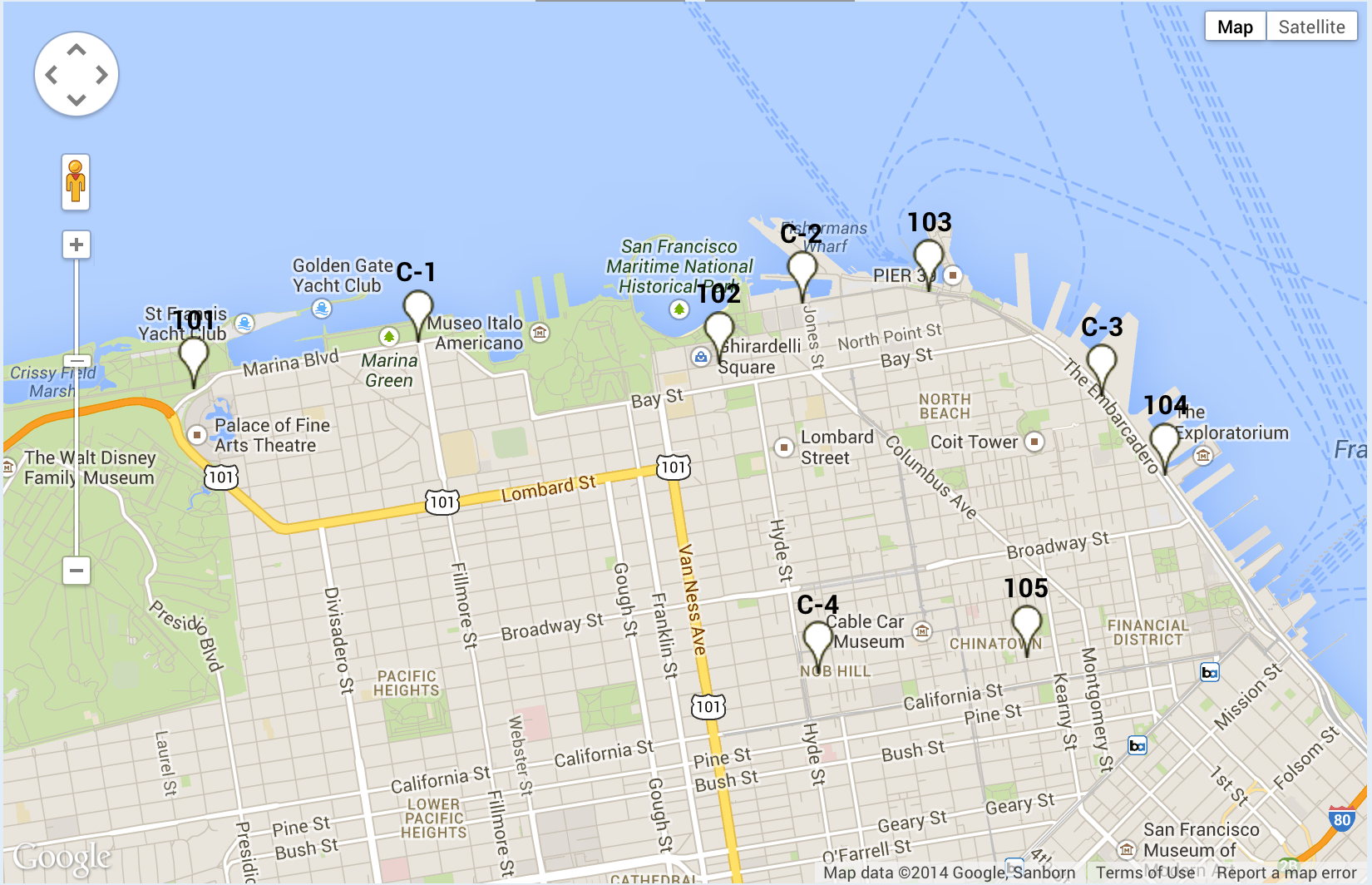
The video tutorial describes how to add complaint data to the odor monitoring site shown below. |
| |
 |
| |
|
For optimum viewing experience, click the framed box in the lower right corner of the video for full screen view.
Additional Tips
#1. Use the capital 'C' for the prefix of complaint locations, for example: C-1, C-2, C-3, etc. in sequence, rather than zones.
#2. Use a previously labeled Complaint Location, e.g. C-2, for a 2nd, 3rd, and additional complaints from that same Complaint Location, even if a different citizen is reporting.
#3. Click on the "Anonymous" button to easily input "Anonymous" for the Citizen.
|
Note: The data shown in the Odor Track'r Program how to videos are fiction and were created for illustrative purposes only.
|
|