|
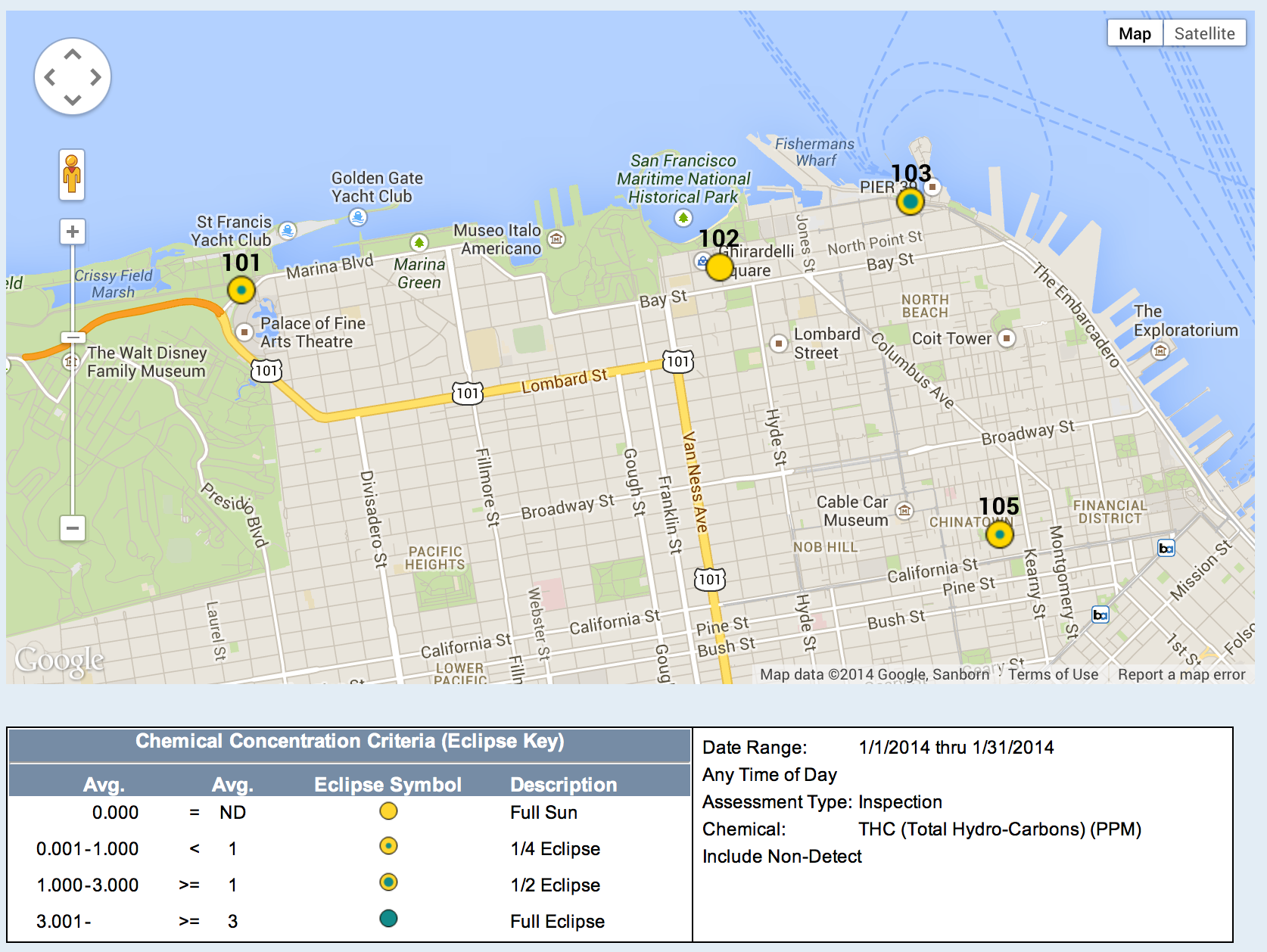
Learn more about create a chemical eclipse map from your data in your Odor Track'r odor monitoring database.
| |
This Google Map image is created in the video tutorial below. |
| |
 |
| |
|
For optimum viewing experience, click the framed box in the lower right corner of the video for full screen view.
Additional Tips
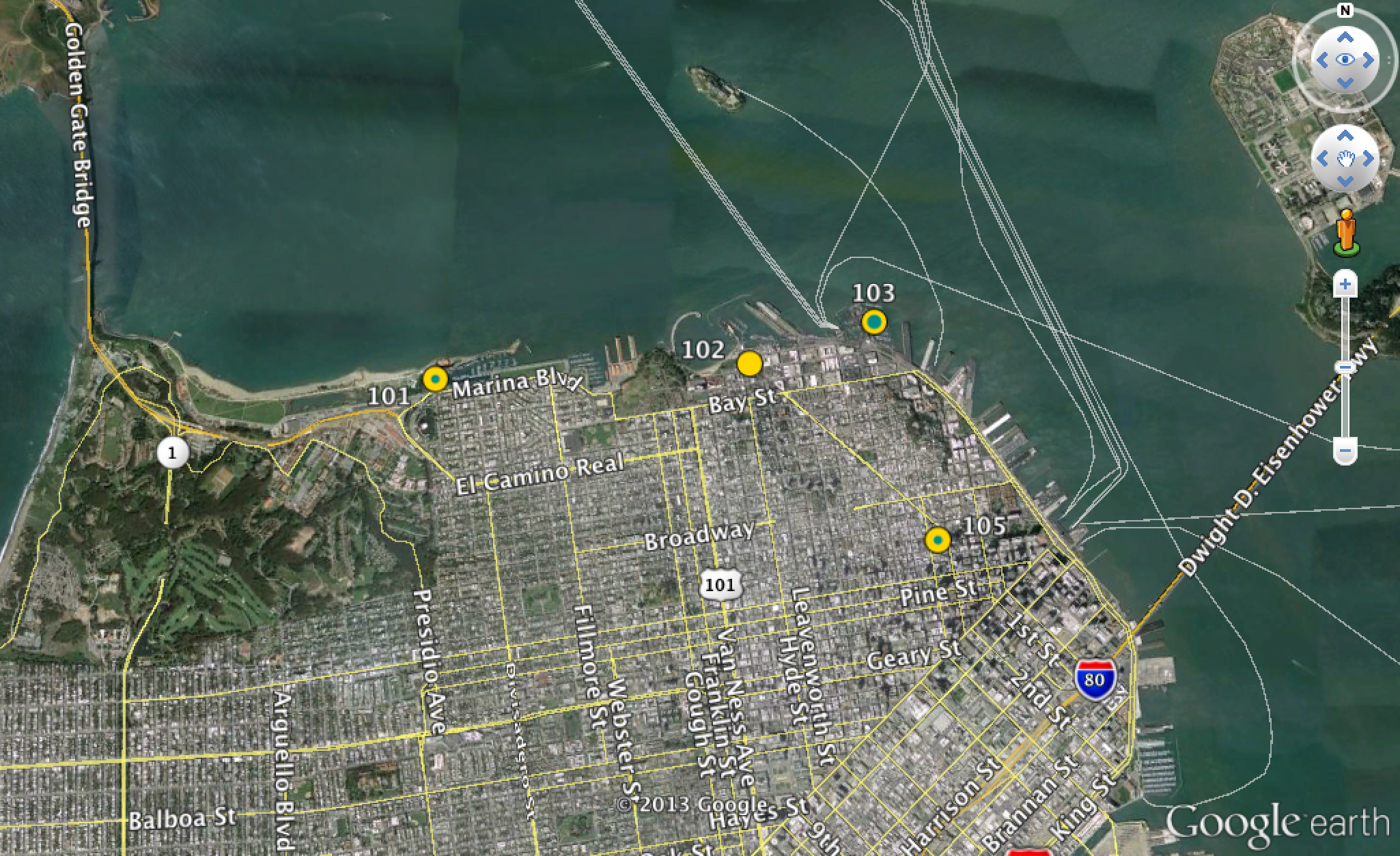
#1. Within Google Earth or Google Maps, click a location to view summary data.
#2. Use the Eclipse Inner Color and Eclipse Outer Color choices to tell your Chemical Data story differently from your Odor Data story.
Google Earth Version of Chemical Eclipse Map.
|
Note: The data shown in the Odor Track'r Program how to videos are fiction and were created for illustrative purposes only.
|
|